Convert CDA to MP3Rip CDA to MP3 in Batch, Free Download |
 |
| Home | Getting Started | Download | Buy Now! | Screen Shots | FAQ | Support | Contact |
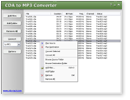
CDA to MP3 Converter converts CDA to MP3 in batch. The software is an ALL-IN-ONE audio converter that converts more than 90 audio and video formats to AAC, AIFF, ALAC, FLAC, M4A, M4B, MP3, MP4, OGG, WAV, WMA, and so on. CDA to MP3 Converter supports batch conversion and is full compatible with Windows 10/8/7/Vista/XP/2000.
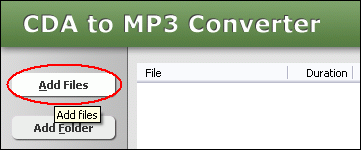 Click "Add Files" button to choose CDA files and add them to conversion list. The software supports 3G2, 3GP, 3GP2, 3GPP, 4XM, AAC, AC3, ADTS, ADX, AFC, AIF, AIFC, AIFF, ALAW, AMR, AMV, APE, ASF, AU, AVI, AWB, CAF, CDA, CDATA, CIF, DIF, DIVX, DNXHD, DRC, DTS, DV, DVD, DVR-MS, DXA, EAC3, FLAC, FLC, FLI, FLIC, FLV, FLX, GSM, GXF, H261, H263, H263+, H264, IT, KAR, M1A, M1V, M2A, M2T, M2TS, M2V, M4A, M4B, M4R, M4V, MID, MIDI, MJ2, MJPEG, MJPG, MKA, MKV, MLP, MLV, MMF, MO3, MOD, MOV, MP+, MP1, MP2, MP3, MP4, MPA, MPC, MPE, MPEG, MPG, MPGA, MPP, MPV, MTM, MTS, MTV, MVI, MXF, NSA, NSV, NUT, NUV, OGA, OGG, OGM, OGV, OGX, OMA, PSP, PSX, PVA, QCIF, QCP, QT, RA, RAM, RCV, RGB, RM, RMI, RMVB, ROQ, RPL, S3M, SDP, SHN, SMK, SND, SOL, SOX, SPX, STR, SWF, THD, TS, TTA, UMX, VC1, VFW, VID, VMD, VOB, VOC, VQF, W64, WAV, WAVE64, WebM, WM, WMA, WMD, WMV, WV, XA, XM, XVID, XWMV, Y4M, and YUV. 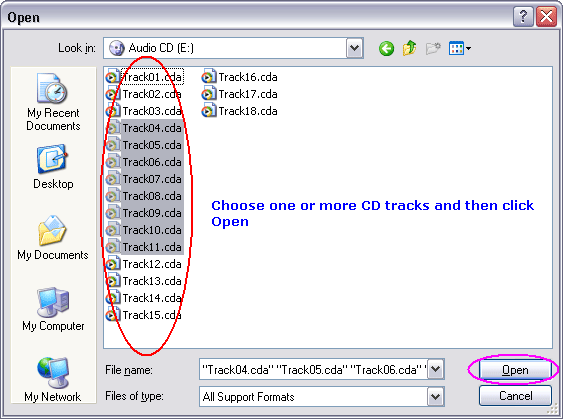 Choose one or more CDA files you want to convert and then click Open. You can choose one of the following formats 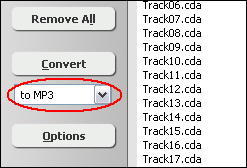 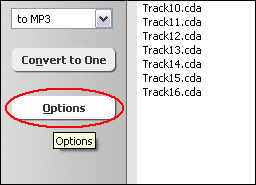 If your CD is a DTS CD, please enable DTS CD option first. Please click "Options". 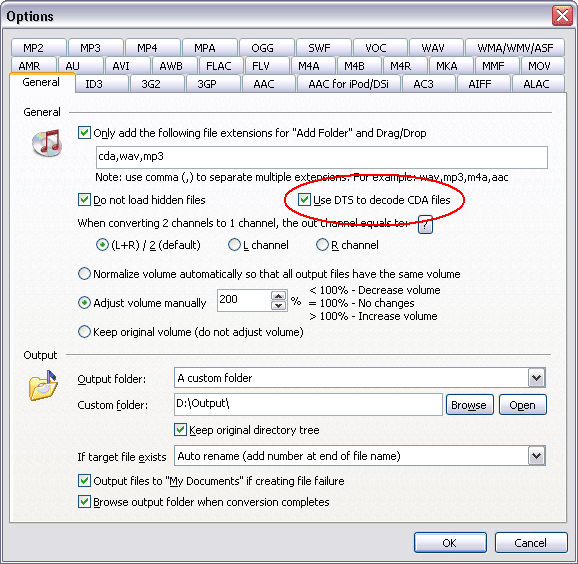 And then, switch to tab "General", check option "Use DTS to decode CDA files". 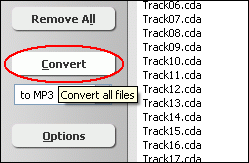 Click button "Convert" to convert all files into target format. 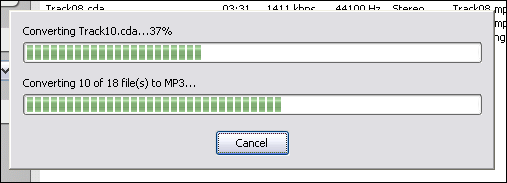 The software is converting files. 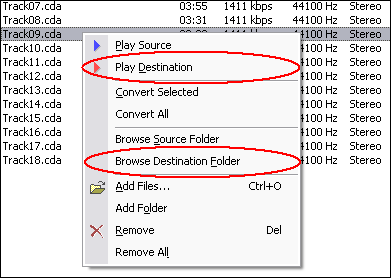 Right-click converted item and choose "Play Destination" to play the destination file, choose "Browse Destination Folder" to open Windows Explorer to browse the destination file. What is CDA?
|


| Home | Getting Started | Download | Buy Now! | Screen Shots | FAQ | Support | Contact | Links |
| Copyright © 2009-2017 Hoo Technologies All rights reserved. Privacy Policy |